Study creation
Set your study name, organization, and study ID

Study Management
Create and configure your study, activities, data sources, sites, researchers, roles, and permissions from the Avicenna Researcher Dashboard.
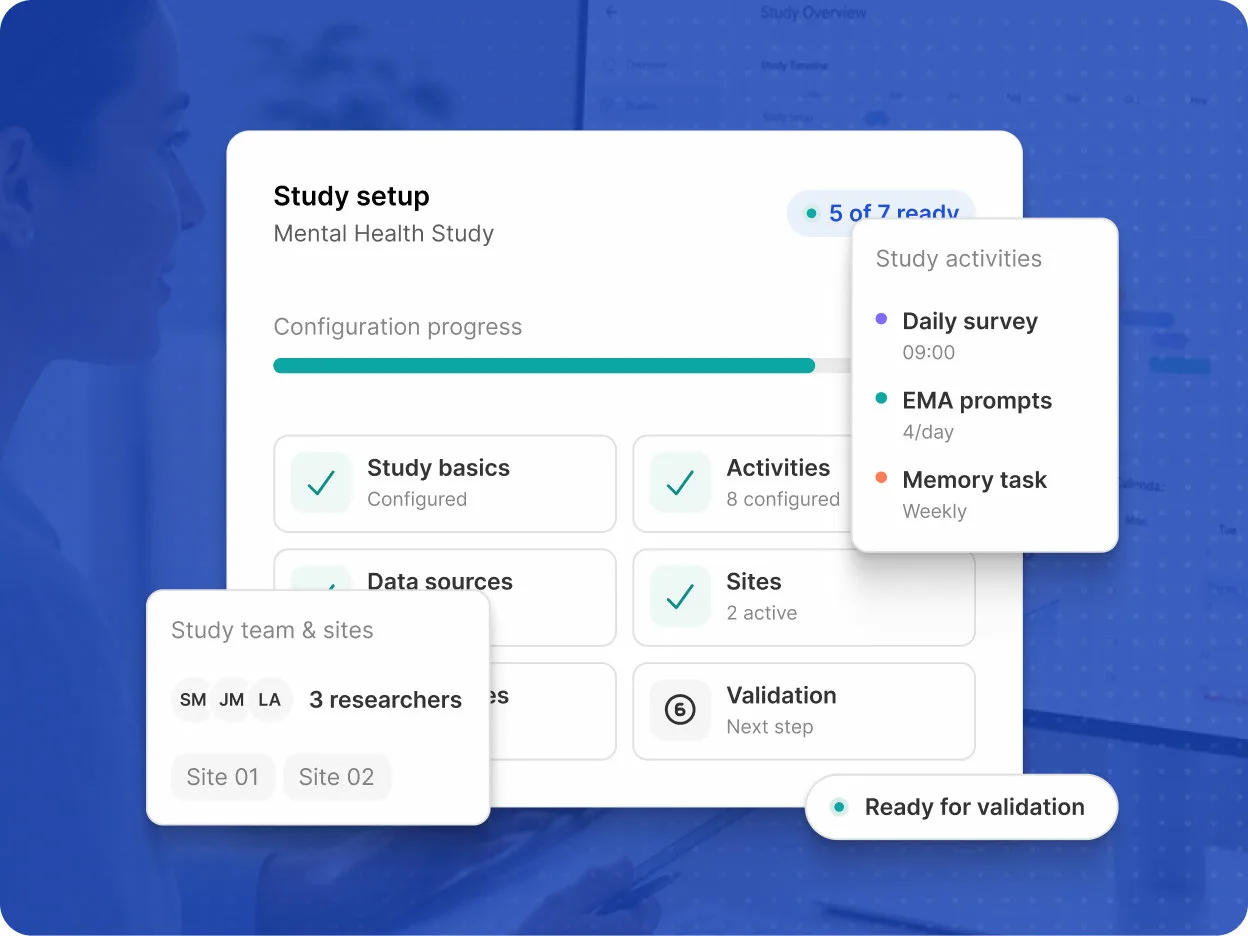
Create a study and configure the core information and settings that define how it will be run.
Set your study name, organization, and study ID
Add the consent content participants see before joining
Define the participation period and duration
Control how participants join your study
Reuse an existing study's configuration without copying participant data
Configure the activities and participant-facing settings that define how your study operates.
Configure the activities and surveys included in your study
Define when activities are delivered and the conditions that control participation
Define the messages participants receive
Configure home-page settings and participant progress information
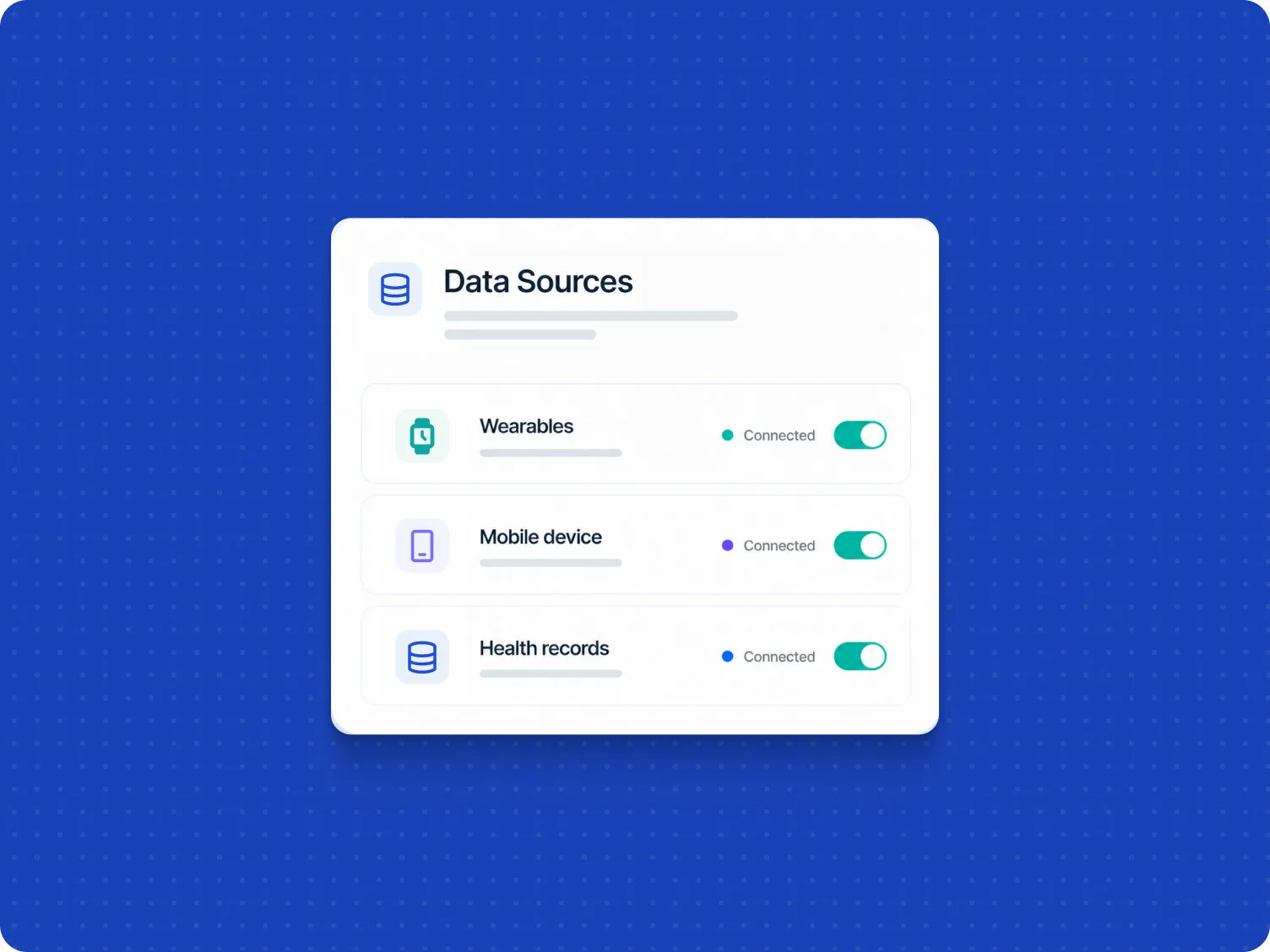
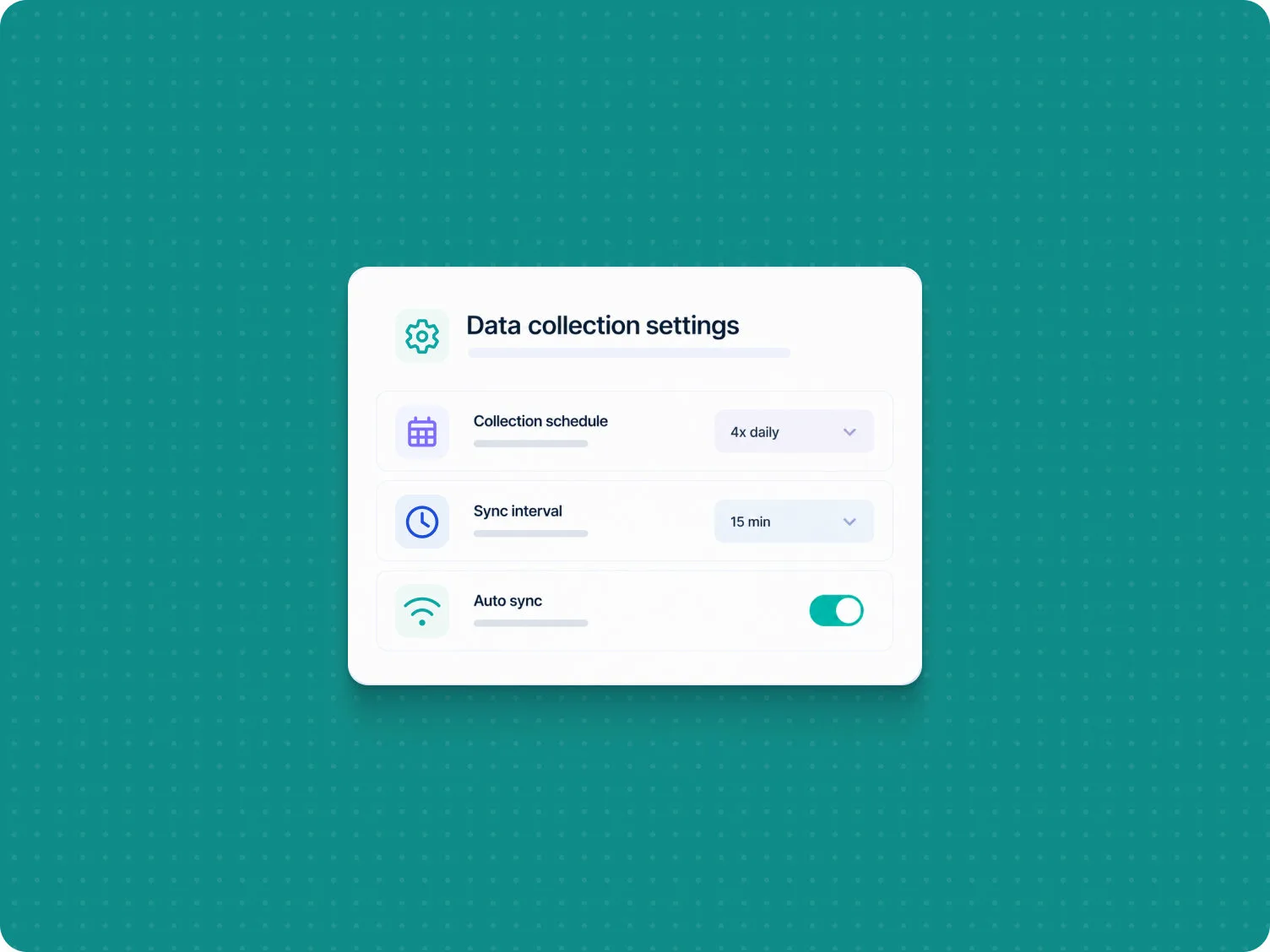
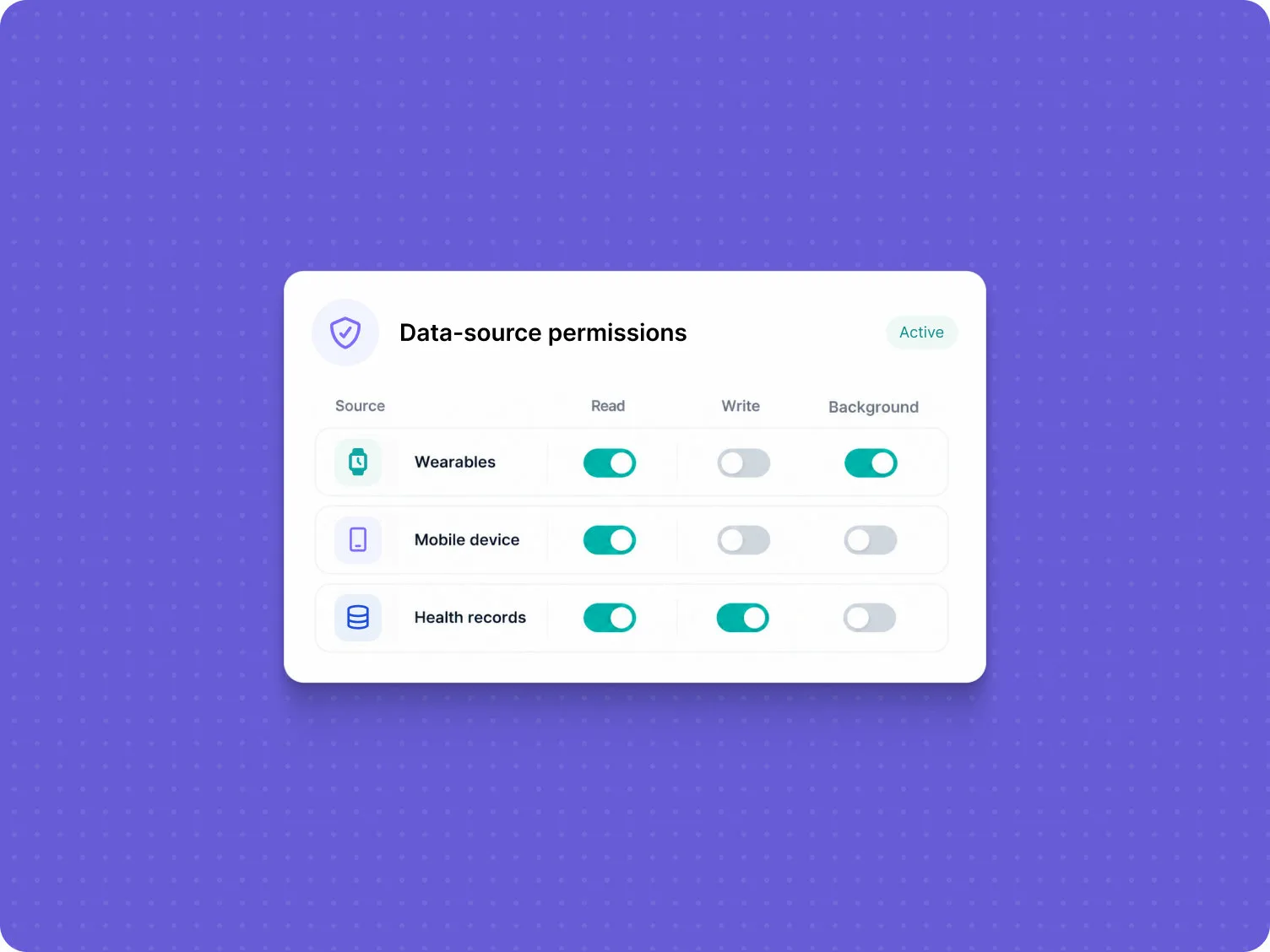
Configure the data sources your study uses and the requirements needed to collect data from participants.
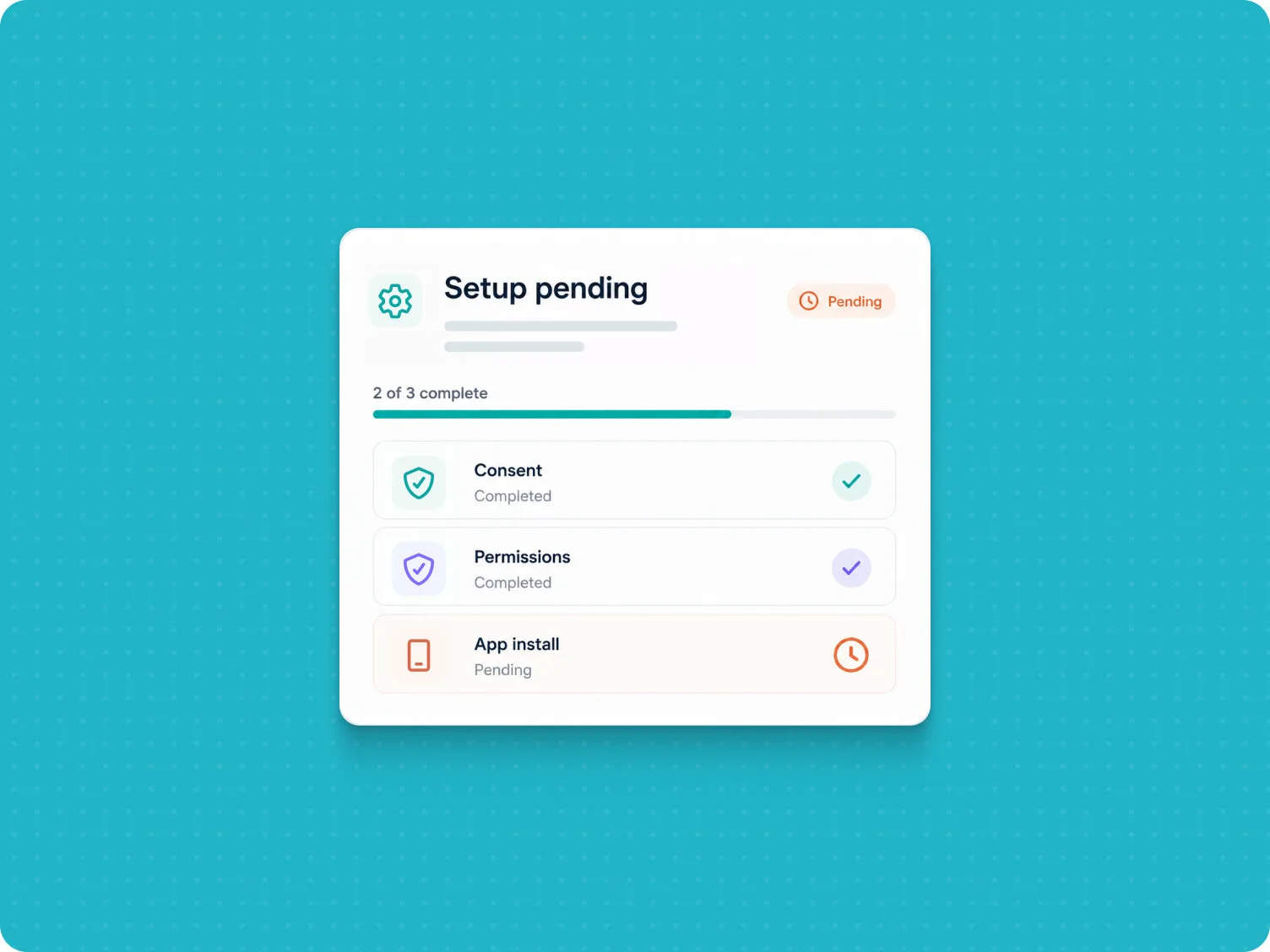
Create and manage multiple study sites and organize site information from the study's Basics page.
Add, edit, and remove sites from your study
Select sites and manage participant and researcher assignments
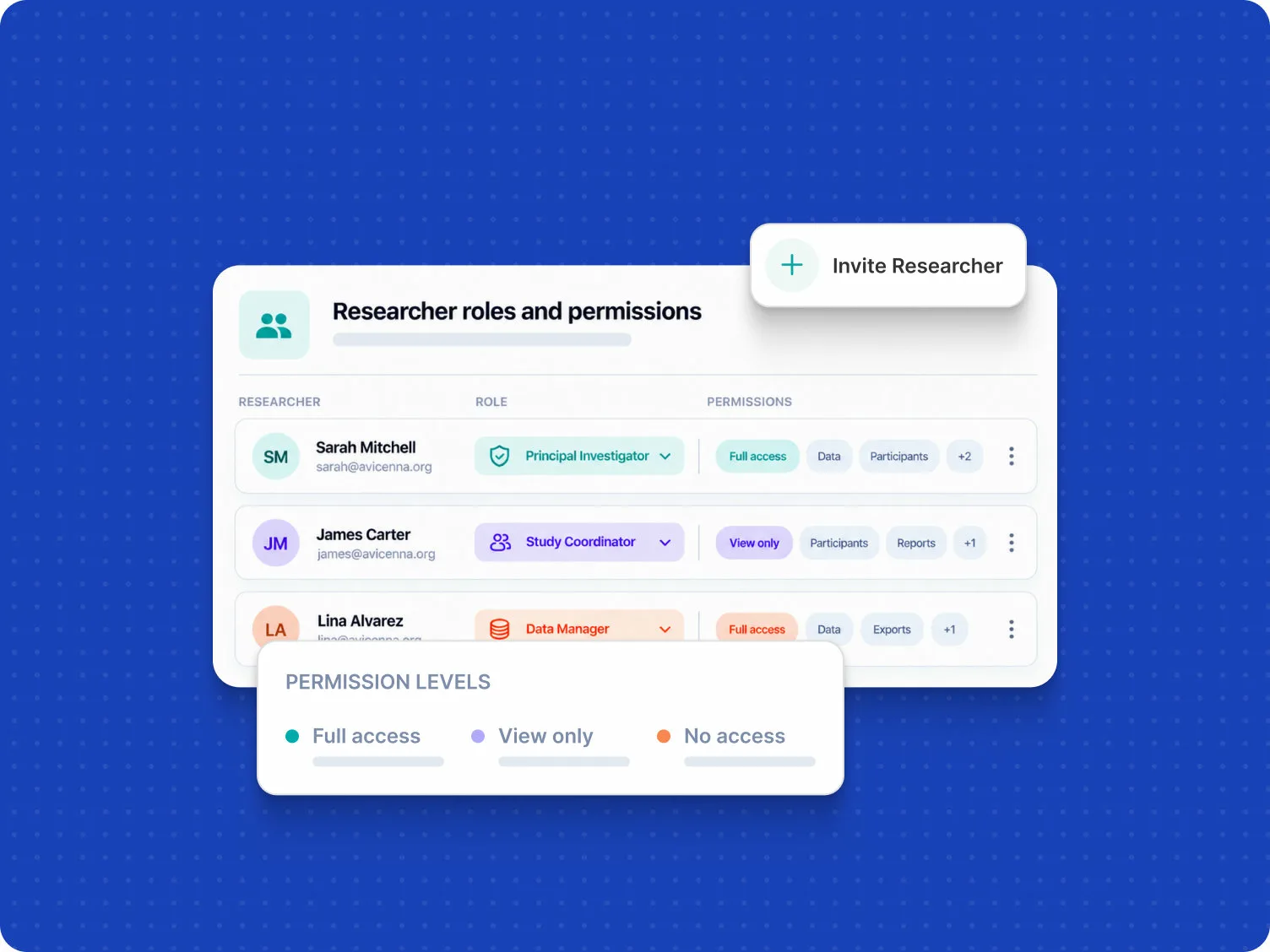
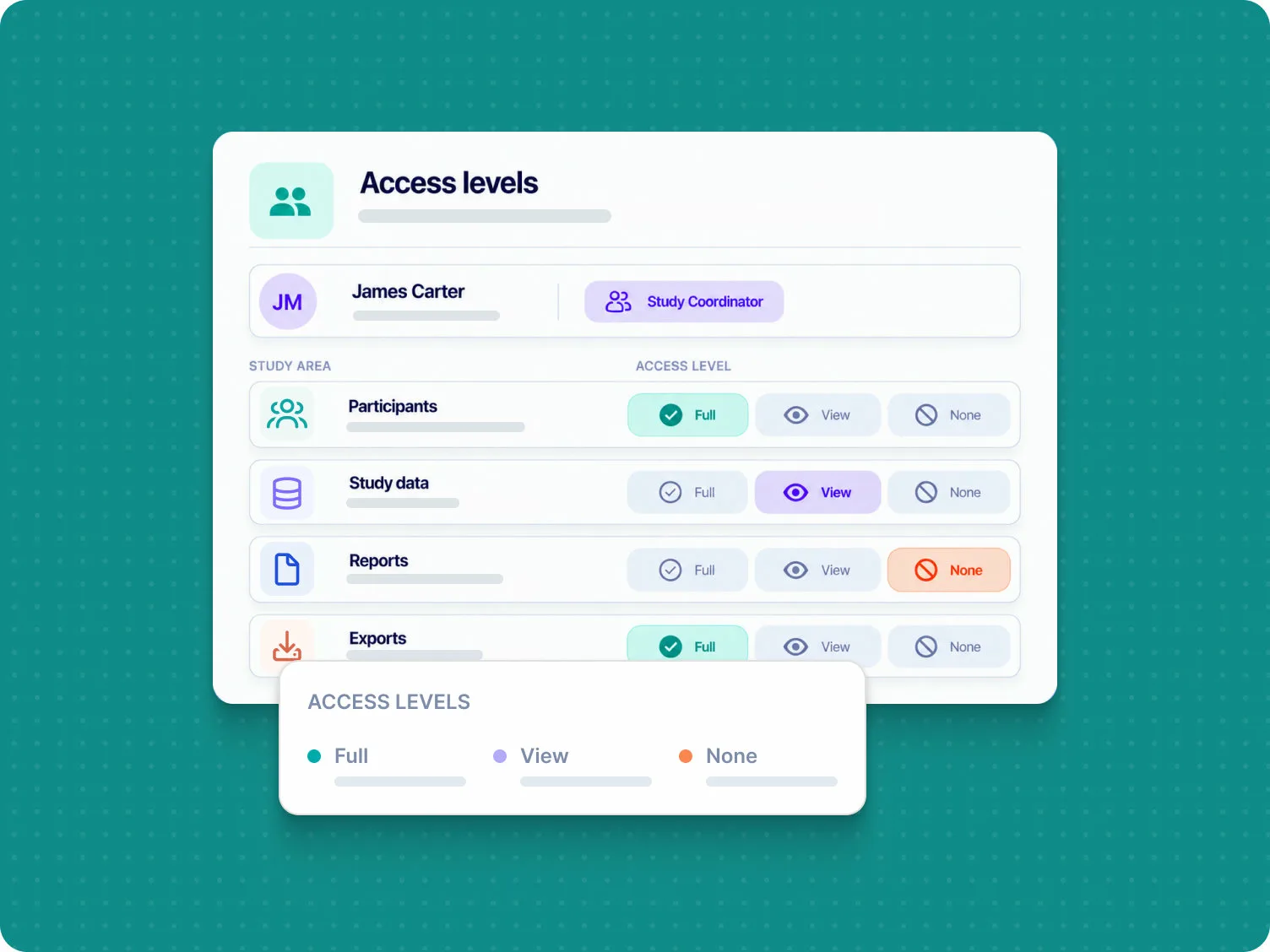
Invite researchers to your study, assign roles, and customize their permissions based on their responsibilities.
Test your study configuration before deployment to make sure everything is set up correctly.
Track important researcher, participant, and system events throughout your study with time-stamped audit logs.
Take the Next Step
Design, launch, and monitor your research with flexible tools, reliable data collection, and support at every stage.